
Download What Should I Eat – meal suggestions, random meal generator, food decision app, cooking game, fun food app, easy meal ideas
Overview
What Should I Eat is a lifestyle mobile app designed to simplify one of the most common daily dilemmas: choosing what to eat. Targeted at individuals who experience decision fatigue around meals, especially those with limited time, culinary experience, or interest in cooking, the app offers a lightweight and entertaining solution. By leveraging a simple interface and a randomized suggestion engine, it delivers instant meal ideas with minimal effort. The app functions as both a utility and a playful game, blending practicality with light gamification to keep users engaged.
Real-world use cases include busy professionals seeking quick dinner ideas, students managing tight schedules, or anyone overwhelmed by the endless options in meal planning. The app does not aim to replace recipe books or cooking tutorials but rather serves as a decision-making aid. Its focus on accessibility and ease of use makes it particularly valuable for users who may feel intimidated by cooking or lack confidence in meal preparation. While the developer did not provide additional background information, the app’s straightforward design and clear purpose suggest a targeted development approach focused on user experience over complexity.
Within the broader app ecosystem, What Should I Eat fills a niche by combining utility with light entertainment. It contributes to the growing category of lifestyle tools that prioritize mental ease and time efficiency. Its release on Android in November 2024 positions it as a timely addition to the mobile productivity and wellness space, offering a low-barrier entry point for users seeking relief from decision fatigue.
Key Features & Functionality
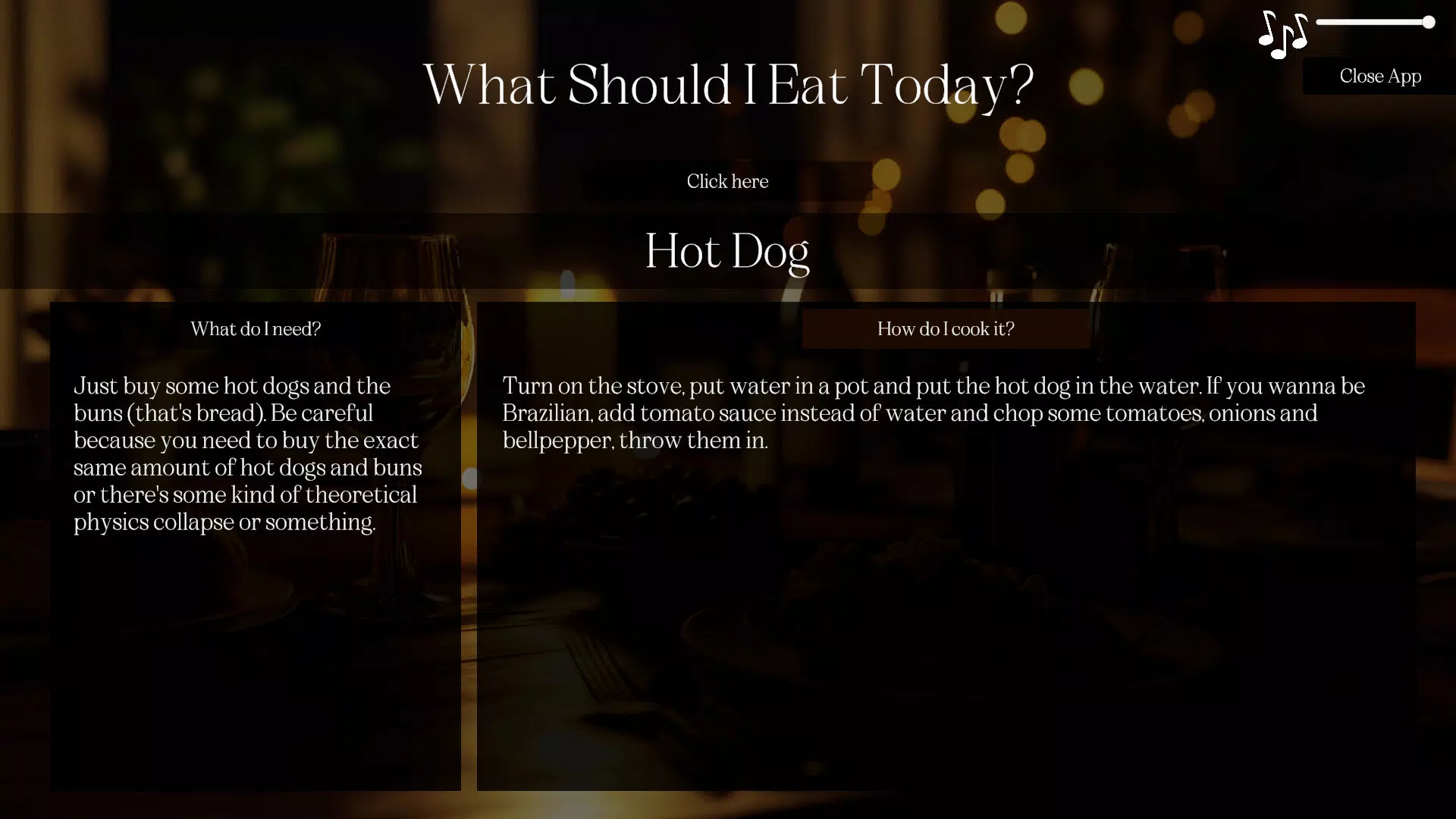
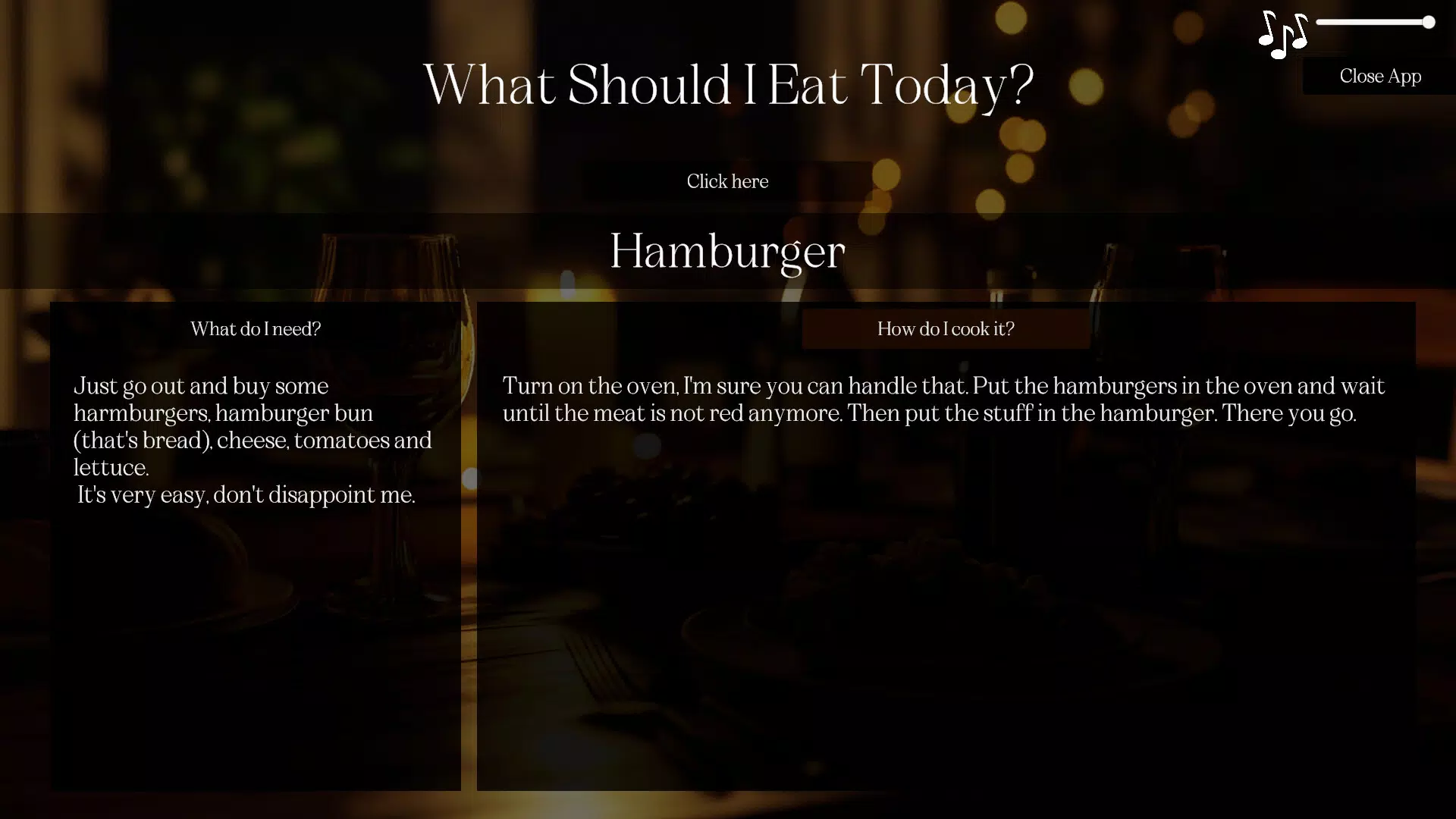
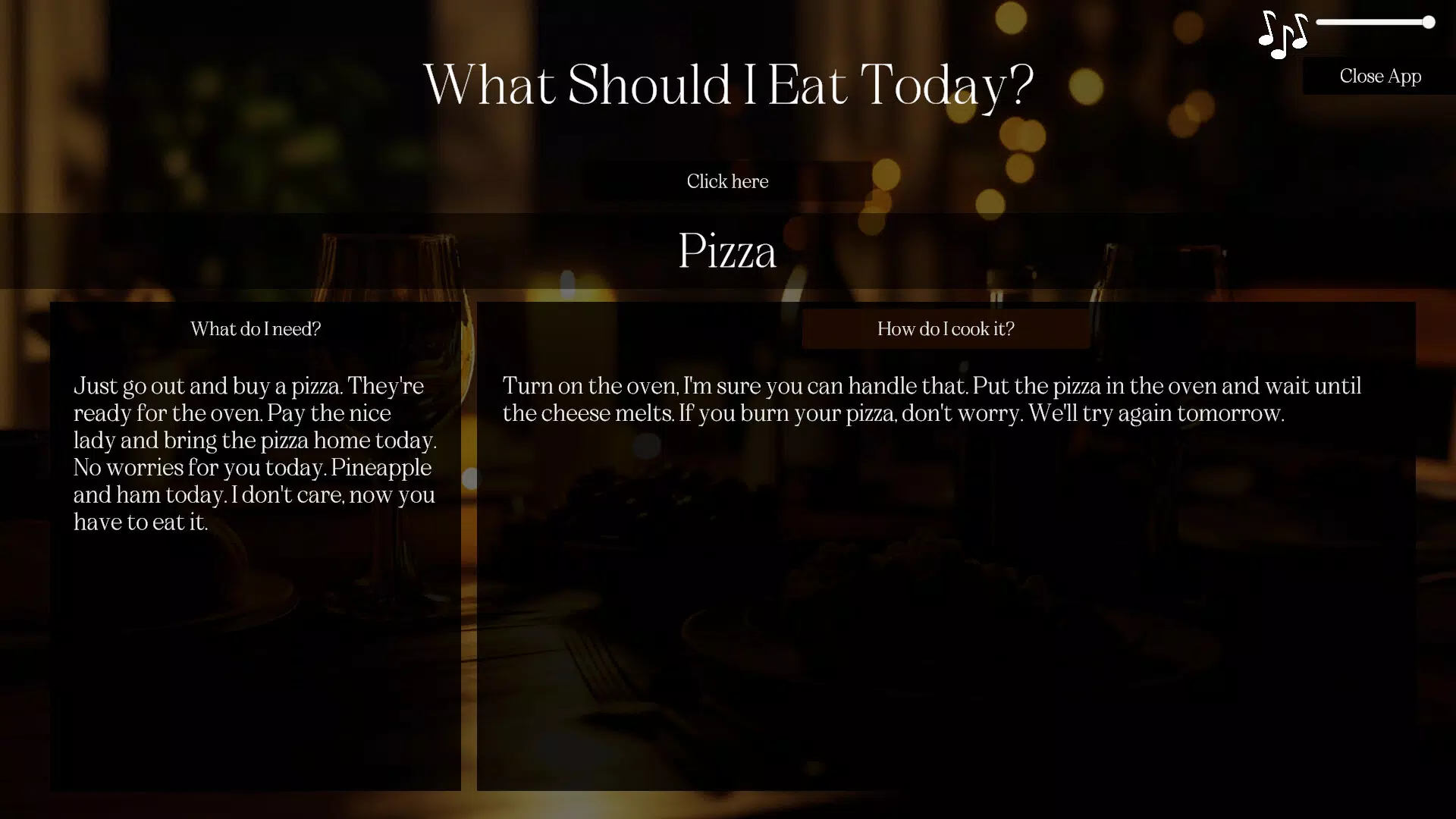
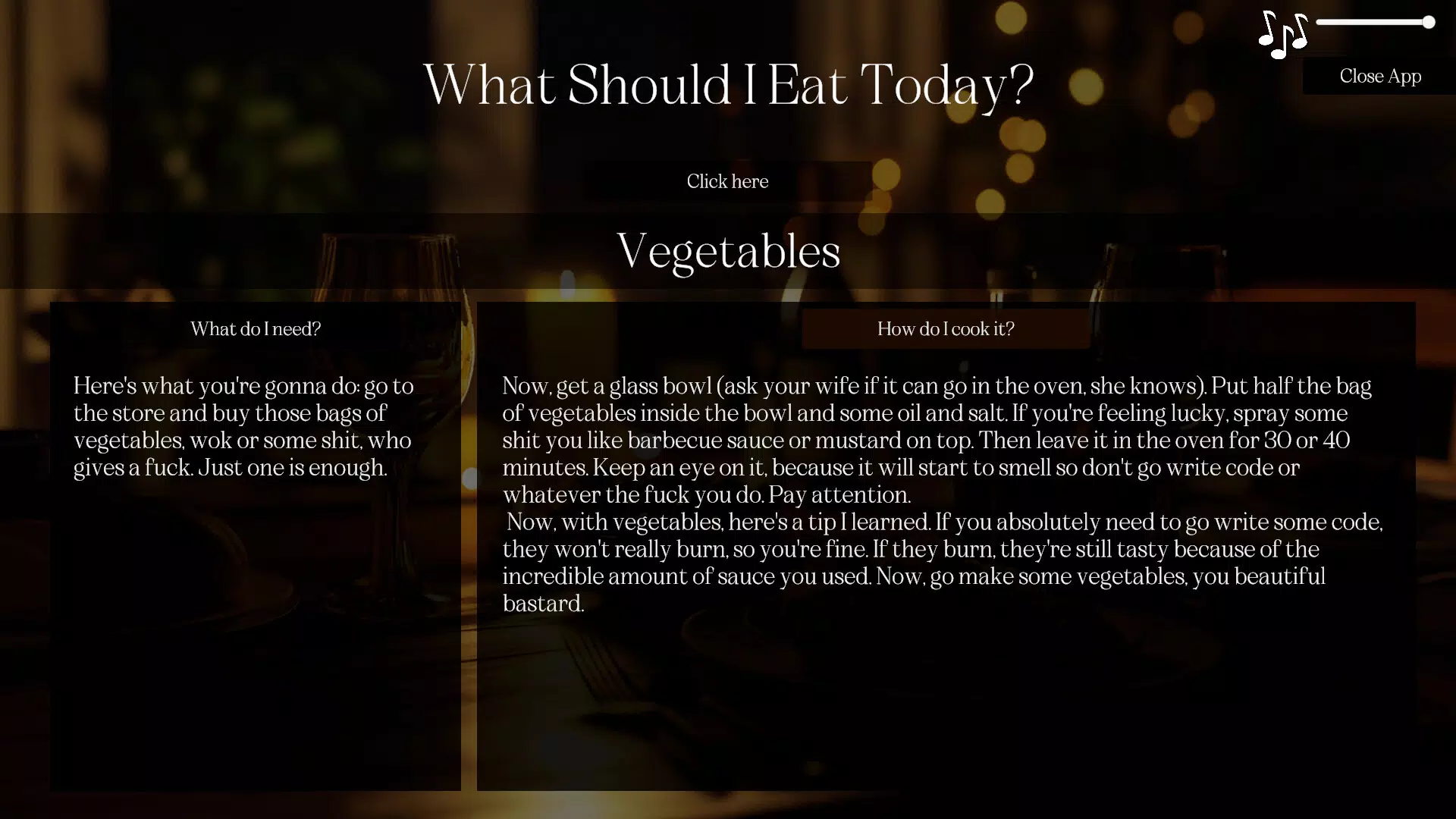
- Decision Button: The core functionality revolves around a single, intuitive button that generates a random meal suggestion instantly. This feature eliminates the need for browsing, filtering, or searching, making it ideal for users in a hurry or lacking focus. A second press delivers a new option, allowing for quick iteration until a suitable idea emerges.
- Win Credits: Each time the Decision Button is pressed, users earn credits. These virtual rewards serve as an incentive to continue using the app and promote repeated engagement. Credits are not tied to real-world purchases but are internal to the app’s economy.
- Secret Recipes Store: Accumulated credits can be spent to unlock exclusive recipes. This feature introduces a layer of discovery and motivation, transforming meal selection from a passive task into an interactive experience. Users are encouraged to experiment with new dishes over time.
- Culinary Exploration: The app promotes curiosity by introducing users to unfamiliar meal types. Weekly updates ensure content remains fresh, offering variety and preventing repetition. This helps users expand their palates without the pressure of planning or preparation.
- Designed for Everyone: The app is explicitly tailored for users with little to no cooking experience. It avoids complex instructions or advanced techniques, focusing instead on simple, accessible meal ideas. While it may not satisfy gourmet enthusiasts, it excels in its intended purpose: reducing meal-related stress.
For example, a college student with a tight schedule can use the app to quickly decide on a meal after class. If the first suggestion is unappealing, a second press provides an alternative—no need to spend time researching. Over time, earning credits and unlocking new recipes adds a sense of progress and achievement, making the experience more than just a tool.
Interface, UX & Performance
The app’s interface is minimalistic, centered around a prominent Decision Button, which serves as the primary navigation point. The visual design is clean and uncluttered, with a focus on usability rather than aesthetic flair. The layout ensures that the core function is immediately accessible, reducing cognitive load and enhancing user satisfaction.
Navigation is straightforward, relying on a single action—pressing the button—to trigger a new suggestion. Secondary interactions, such as accessing the Secret Recipes Store, are likely handled through simple taps or swipes, though specific details were not disclosed. The app’s responsiveness appears to be optimized for quick feedback, with minimal lag between button press and result display.
Although the developer did not list formal performance metrics, the app’s small file size of 12.3 MB suggests efficient resource usage. This size indicates a lightweight design, which typically translates to smooth performance across a range of Android devices, including budget and mid-tier models. Stability is implied by the app’s focus on a single core function, reducing the likelihood of crashes or freezes. However, detailed information on battery consumption, background behavior, or compatibility with older OS versions was not provided.
Platform Compatibility & Technical Requirements
What Should I Eat is available exclusively on the Android platform. The current version is 1.0.1, with a file size of 12.3 MB. The app is free to download and install, with no in-app purchases or subscription fees mentioned in the provided data.
The developer did not specify minimum OS requirements, so compatibility with older Android versions cannot be confirmed. Users should verify whether the app runs on their device’s current system version. Similarly, specific hardware requirements such as RAM or processor type were not listed. Given the app’s small size and simple interface, it is likely compatible with most modern Android smartphones and tablets, but this remains an assumption based on general trends rather than official documentation.
Pros and Cons
- Simple, intuitive interface ideal for quick meal decisions
- Free to download and use with no hidden costs
- Engaging gamification through credits and unlockable recipes
- Lightweight design with minimal storage footprint
- Regular content updates to maintain user interest
- No detailed customization options for meal preferences
- Limited appeal for users seeking advanced cooking tools or gourmet recipes
- Compatibility with older Android versions not confirmed
- No integration with shopping lists or meal planning calendars
- App size and feature set suggest limited functionality beyond core suggestions
FAQ
Is What Should I Eat available on iOS?
As of now, the app is only available on the Android platform. There is no official release for iOS devices.
How do I earn credits in the app?
Credits are earned automatically each time you press the Decision Button. They are internal rewards used to unlock recipes in the Secret Recipes Store.
Are there any in-app purchases?
The app is free to download and use. No in-app purchases were mentioned in the provided information.
Can I customize meal preferences?
The developer did not provide details on customization options. The meal suggestions appear to be randomly generated without user input.
How often are new recipes added?
According to the app’s description, new meal types and recipes are introduced weekly to keep the content fresh and engaging.
Final Thoughts
What Should I Eat delivers a focused, no-frills solution to a common daily challenge. Its strength lies in simplicity—offering immediate meal suggestions with minimal effort, while adding just enough gamification to keep users coming back. The credit system and secret recipes create a sense of progression, transforming a mundane task into a light, rewarding experience.
While it may not appeal to experienced cooks or those seeking detailed recipe guides, it excels for users who want to reduce decision fatigue and explore new meals without the pressure of planning. Its lightweight design, free access, and regular updates make it a practical addition to any smartphone.
For anyone struggling with “what’s for dinner?”—especially those with busy lives or limited culinary confidence—this app offers a smart, fun, and accessible solution. Download What Should I Eat now.


